How to invoice Luminus
Once you have delivered your services or products to Luminus, you can send us your invoice. Find here all the guidelines for submitting and processing your invoice correctly, ensuring a smooth payment.
Follow the correct invoicing steps
The invoicing method depends on your supplier type. From 2026, mandatory e-invoicing will apply to Belgian VAT-registered suppliers. International and Belgian suppliers who are not VAT-registered follow different procedures.

Electronic invoicing is mandatory from January 1, 2026
As a company or self-employed person, you will no longer be allowed to send paper or PDF invoices to other companies. You must switch to structured electronic invoices via Peppol. With the introduction of e-invoicing, the federal government aims to increase efficiency in companies and organizations, reduce administrative burdens, and combat VAT fraud. It is therefore crucial that you prepare thoroughly for this change.
- Peppol ID from Luminus is BE0471811661.
- If you invoice one of our entities, please use the corresponding Peppol ID from the order form.
- Keep it to one channel: once you start invoicing via Peppol, you no longer need to email PDFs or upload your invoices to Coupa. This helps us avoid accidental duplicates.
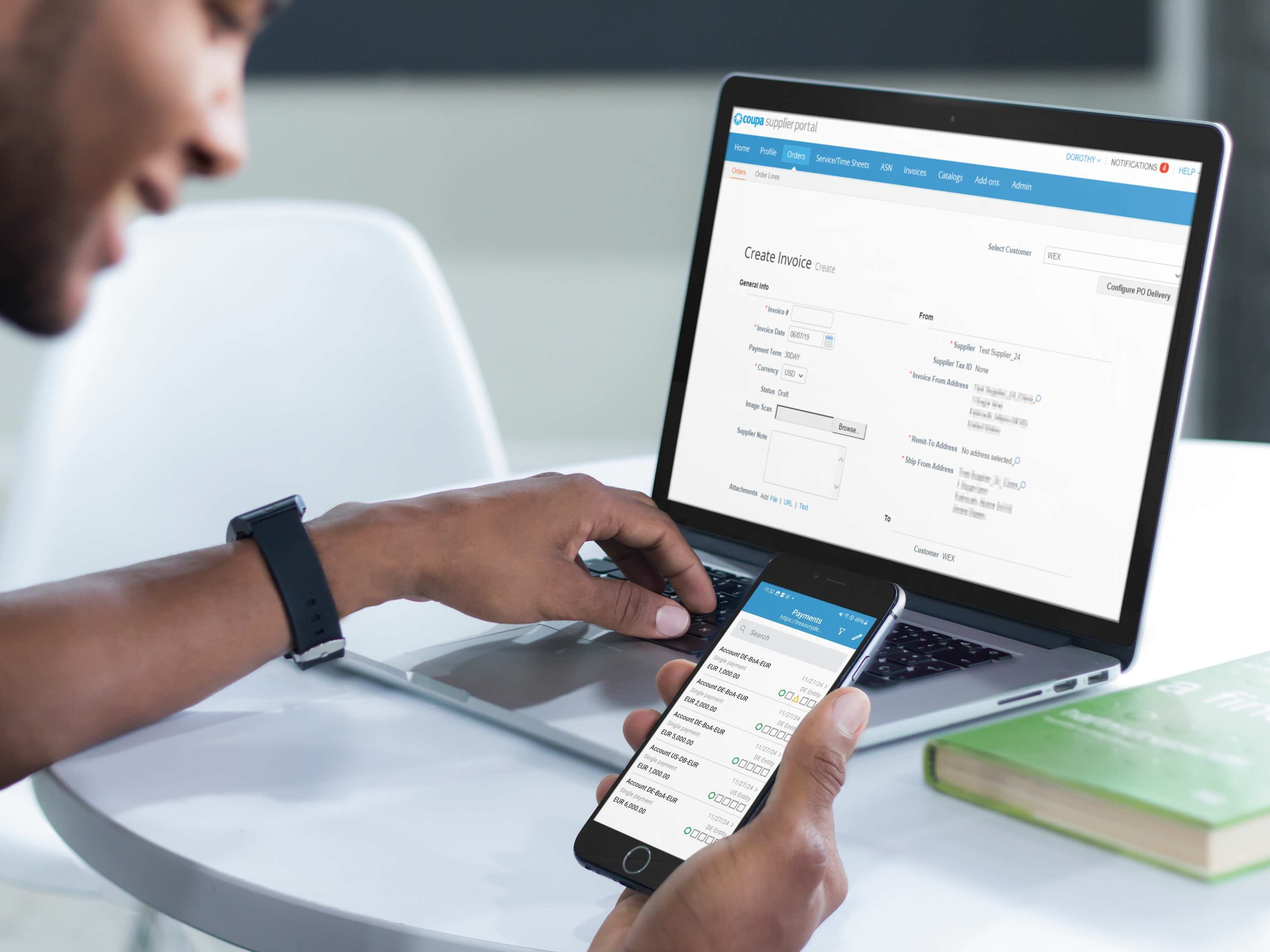
What about the Coupa supplier portal?
You will no longer be able to submit invoices to Luminus via Coupa with an invoice date from 1 January 2026 onwards.
However, you can still use Coupa to manage your company details and get an overview of your purchase orders and invoices.

Technical instructions on your Peppol XML
In 99% of cases, a purchase order number (PO) is required for the smooth processing and payment of your invoices. How to enter your data:
- OrderReference/ID: enter the PO number here.
- AllowanceCharge: enter the delivery costs here.
- PaymentMeans/PayeeFinancialAccount/ID: your IBAN.
- Send an embedded PDF in the XML file for visual verification.
In exceptional cases, we may give permission to invoice without a PO number. In that case, enter your data as follows:
- AccountingCustomerParty/Party/Contact/ElectronicMail: your contact person at Luminus.
- BuyerReference: state the cost centre you received when placing the order.
- PaymentMeans/PayeeFinancialAccount/ID: your IBAN.
- Send an embedded PDF in the XML file for visual verification.

Questions on Peppol?
The Belgian government provides detailed information and FAQs about mandatory e-invoicing on their website.